Video & Collage
AI Property Video Maker
Turn a set of property photos into one animated walkthrough-style video.
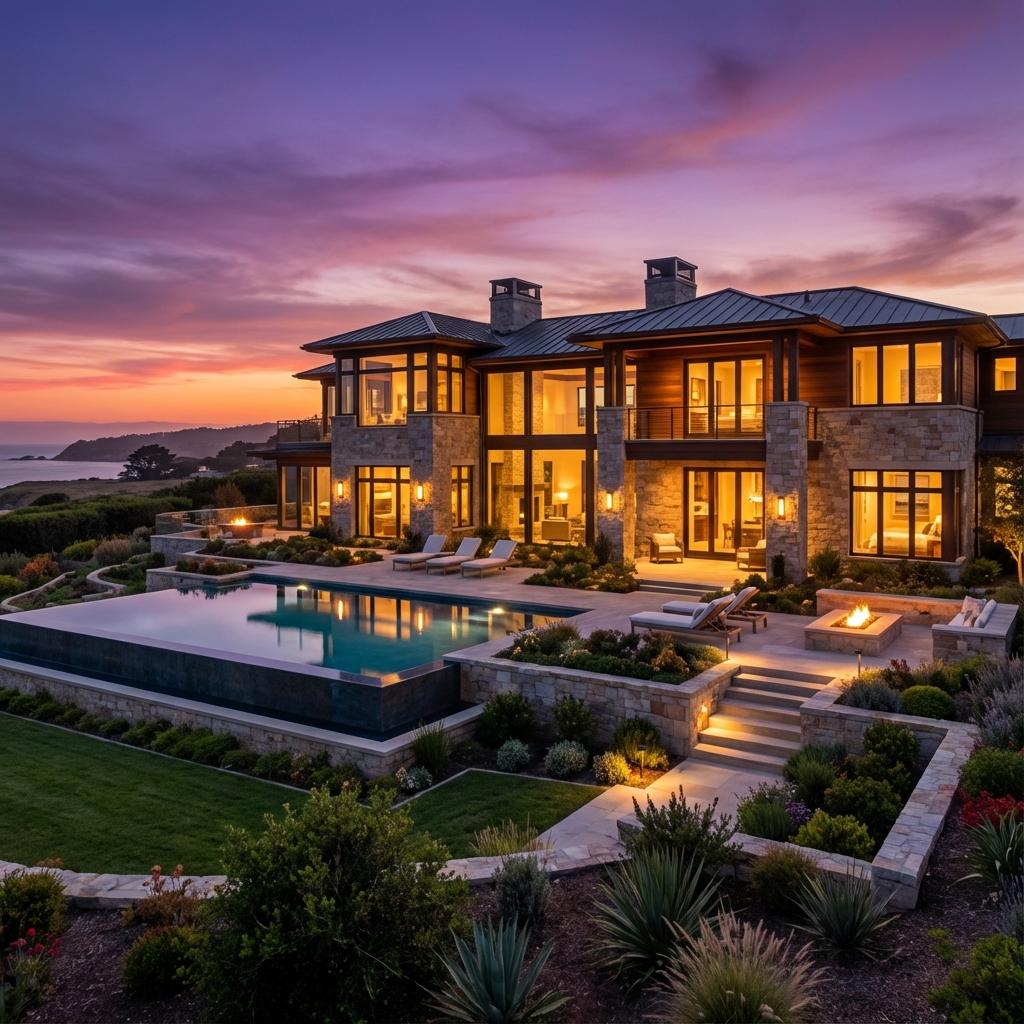
What it does
The Property Video Maker turns a set of property photos into a sequence of short, AI-animated clips - one clip generated per photo. You review each clip individually and can approve it or regenerate it, then Enhancia automatically stitches the approved clips into one final property video.
Who it’s for
- Agents who want a listing video without commissioning a videographer
- Property marketers producing video content across many listings at once
How it works
- 1Select the property photos to include, in order.
- 2Enhancia generates an animated clip for each photo.
- 3Review each clip and approve or regenerate it individually.
- 4Once all clips are approved, Enhancia knits them into one final video.
- 5Download the finished property video.
Inputs & outputs
Limitations & things to check
- AI-animated clips can occasionally produce visual artifacts - review each clip before approving it, since approval is what determines what goes into the final video.
- The number of clips and their exact motion depend on current product configuration.
Frequently asked questions
Can I regenerate just one clip instead of starting over?
Yes. Each clip is reviewed and can be individually regenerated before you approve it, without affecting the other clips.
What happens after I approve all the clips?
Enhancia automatically stitches the approved clips together into a single final property video.
Related tools
More resources
Read related guides in the Enhancia Knowledge Base, or see full pricing details on the pricing page.