Photo Enhancement
AI Print Copy Upscaler
Increase property photo resolution for sharper print and display use.
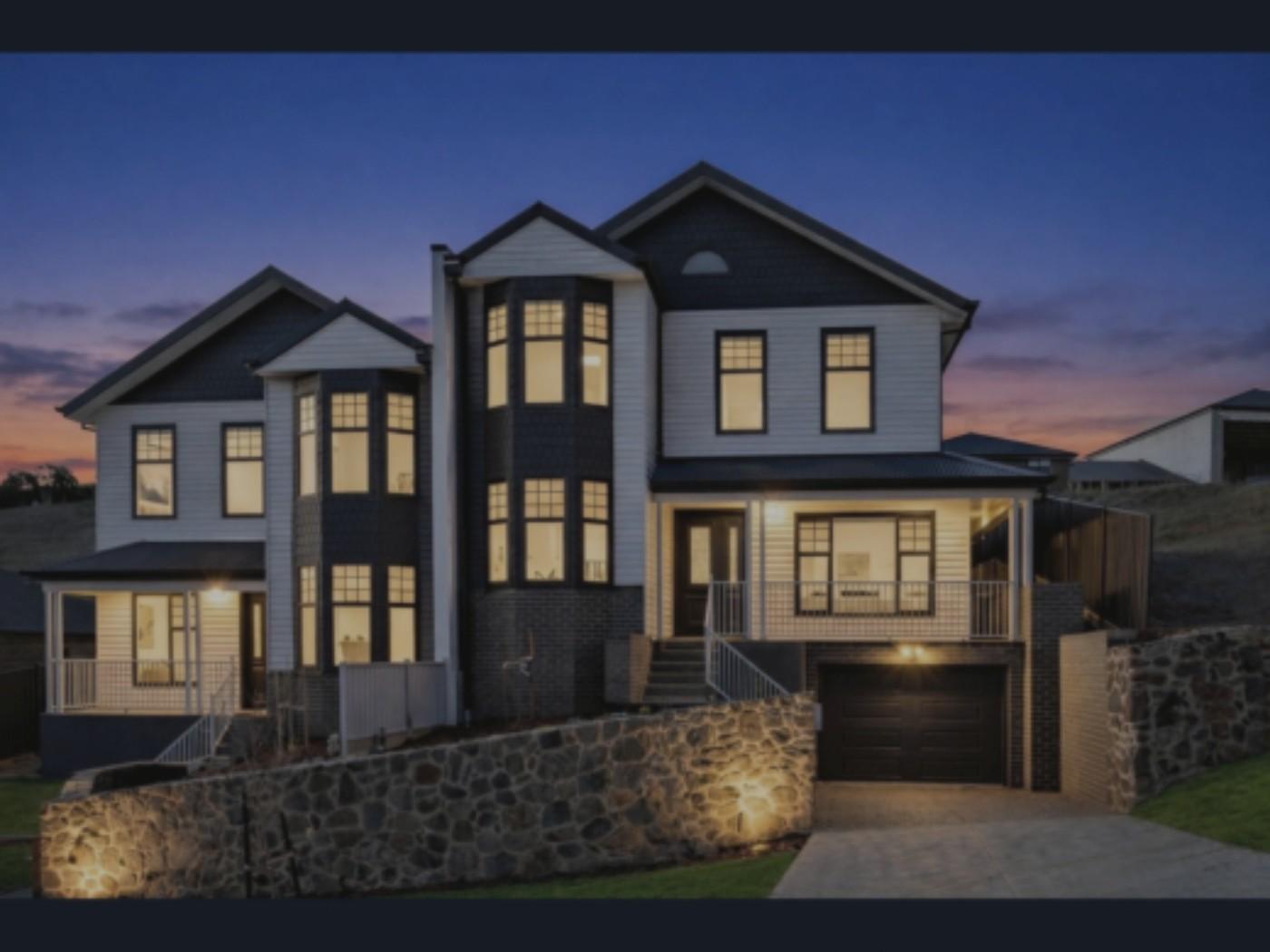
Before
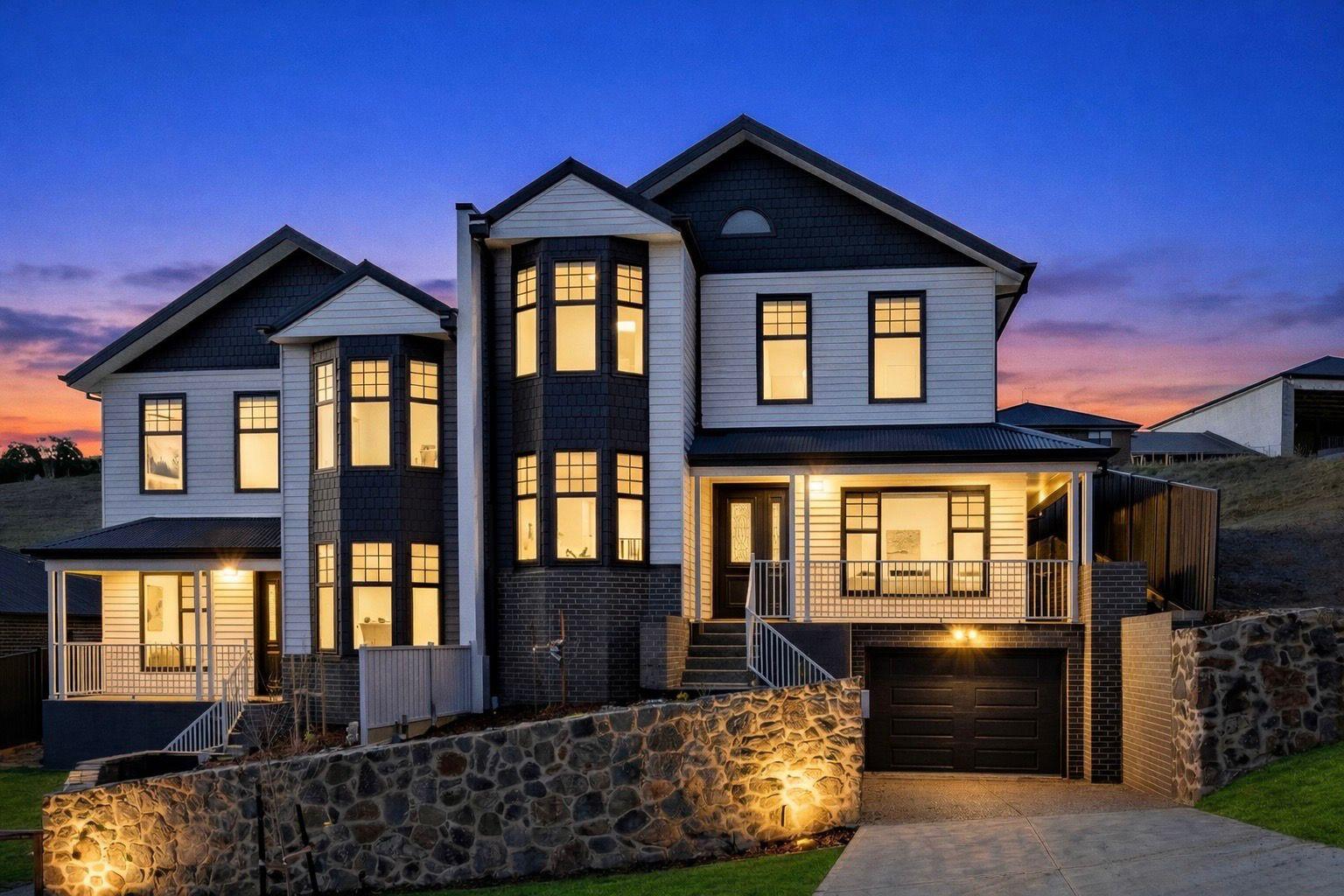
Upscaled
Preview the Print Copy transformation
What it does
Print Copy upscales property photos so they are better suited for print, larger display placements, and high-resolution marketing use.
It focuses on increasing usable image resolution and clarity rather than changing the scene content.
Who it’s for
- Agents preparing images for brochures and printed flyers
- Property marketers reusing listing images across larger formats
- Photographers delivering higher-resolution marketing assets
How it works
- 1Upload the property photo that needs a higher-resolution copy.
- 2Select Print Copy from the Photo Enhancer.
- 3Enhancia generates an upscaled version of the image.
- 4Download the higher-resolution output.
Inputs & outputs
Limitations & things to check
- Upscaling cannot fully recover detail that was never present in a very blurry source image.
- Always review fine textures, signage, and straight edges after upscaling.
Frequently asked questions
Is this a content edit?
No. Print Copy is primarily a resolution and clarity pass for marketing output.
Should I enhance before upscaling?
Usually yes. Apply any needed photo edits first, then use Print Copy when you need a higher-resolution final asset.
Related tools
More resources
Read related guides in the Enhancia Knowledge Base, or see full pricing details on the pricing page.