Photo Enhancement
AI Lawn Mowing Tool for Property Photos
Clean up lawn and landscaping presentation in exterior listing photos.
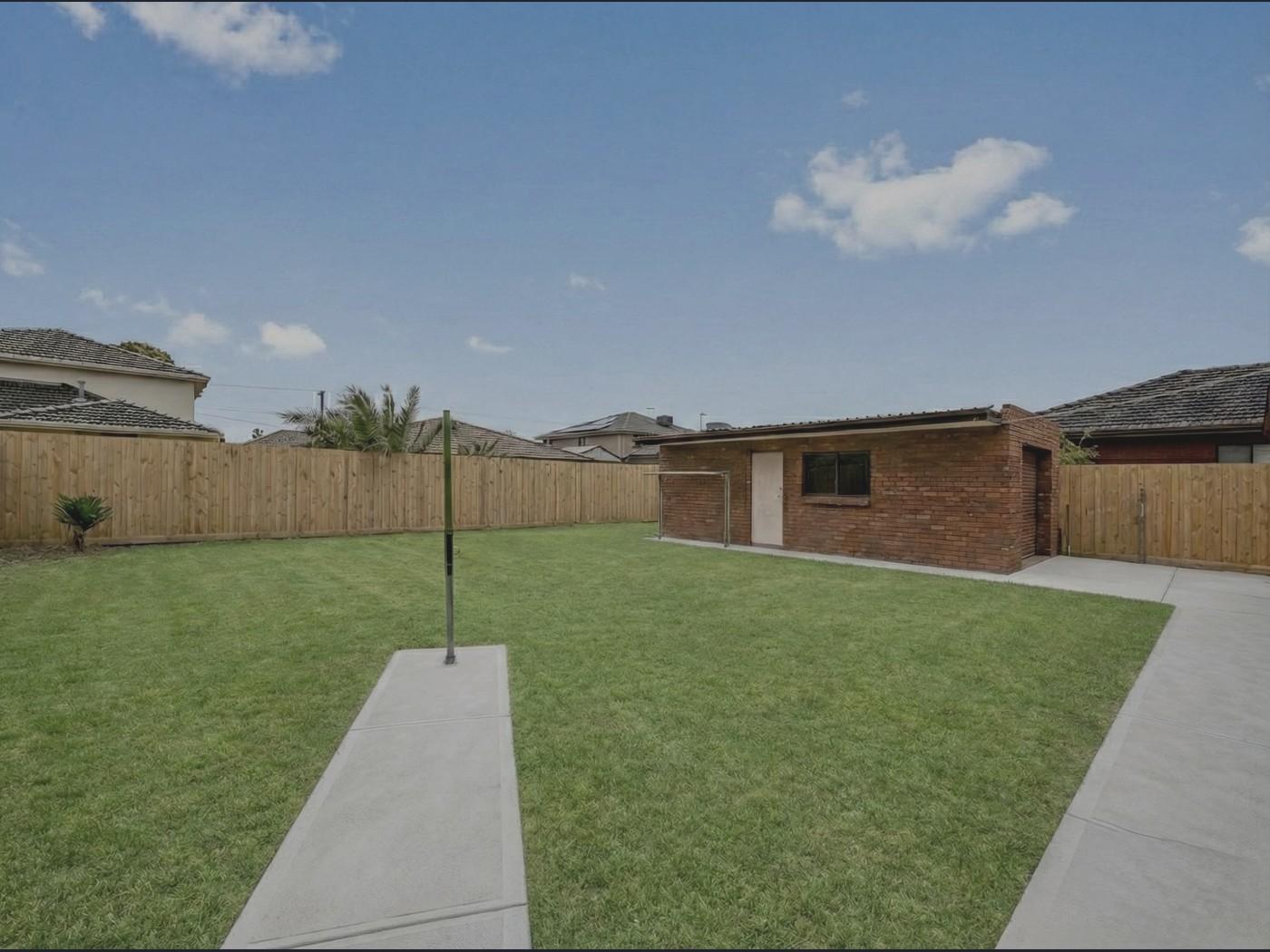
Before
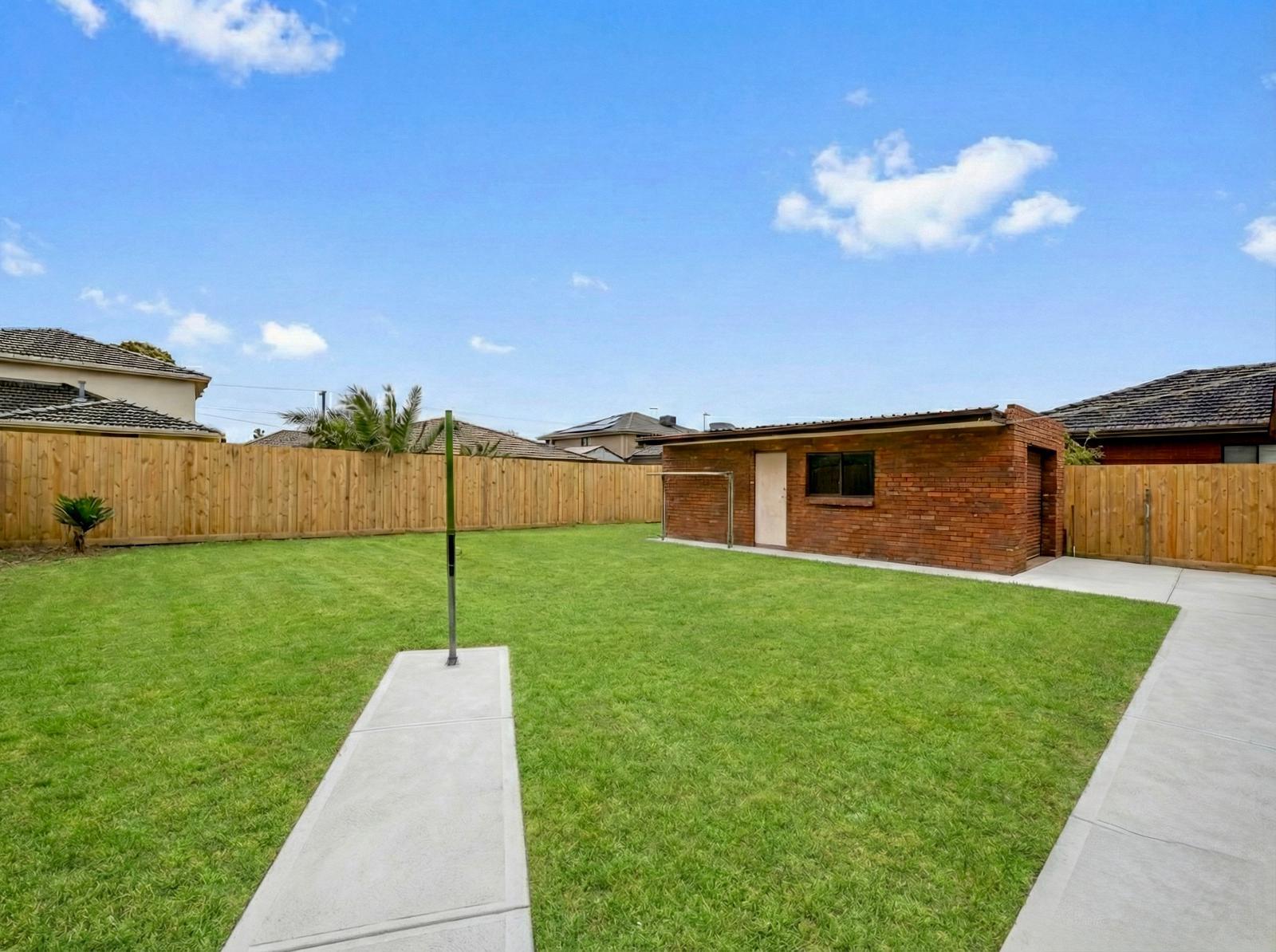
Enhanced
Preview the Lawn Mowing transformation
What it does
The Lawn Mowing tool improves the visual presentation of lawns and landscaping in exterior property photos.
It is designed for curb-appeal cleanup in listing images, while the property and outdoor layout should remain recognizable.
Who it’s for
- Agents preparing exterior photos when landscaping needs a cleaner look
- Property managers refreshing rental exterior images
- Photographers polishing curb-appeal photos
How it works
- 1Upload an exterior photo showing the lawn or landscaping.
- 2Select Lawn Mowing from the Photo Enhancer.
- 3Enhancia applies a lawn cleanup pass.
- 4Review the exterior image before downloading.
Inputs & outputs
Limitations & things to check
- The tool should not be used to conceal important site condition issues.
- Check boundaries, paths, garden edges, and outdoor fixtures after processing.
Frequently asked questions
Does this replace exterior retouching?
It provides a focused lawn cleanup pass. For broader building exterior polish, use Facade Upgrade.
Can I combine it with Day to Dusk?
Yes. You can clean up the lawn and also create a twilight-style exterior with Day to Dusk.
Related tools
More resources
Read related guides in the Enhancia Knowledge Base, or see full pricing details on the pricing page.